Alarm Triggers
Your CMS raises an activation and sends the ticket ID to DAIOS via the Task Plugin. DAIOS picks it up within 5 seconds. There's no queue to wait in and no operator needed to triage it first.
DAIOS uses the ticket ID to retrieve the full activation details from your CMS via the secure REST API. The trigger signal carries no sensitive data; DAIOS fetches what it needs over an authenticated, encrypted connection.
Brain Decides
DAIOS applies your configured decision mode, either your DAIOS (Dynamic AI Operation Service) or a step-by-step Response Plan, to determine the best action. It considers the alarm type, time of day, contact availability, and prior history.
DAIOS reads the alarm context and can use custom per-plan instructions to override defaults. Response Plan mode follows a preset contact sequence you define. Both modes respect sleeping activation logic, so low-priority overnight alarms can be held until the CMS wakes them or a safety ceiling fires, avoiding unnecessary engagements.
Contact Engaged
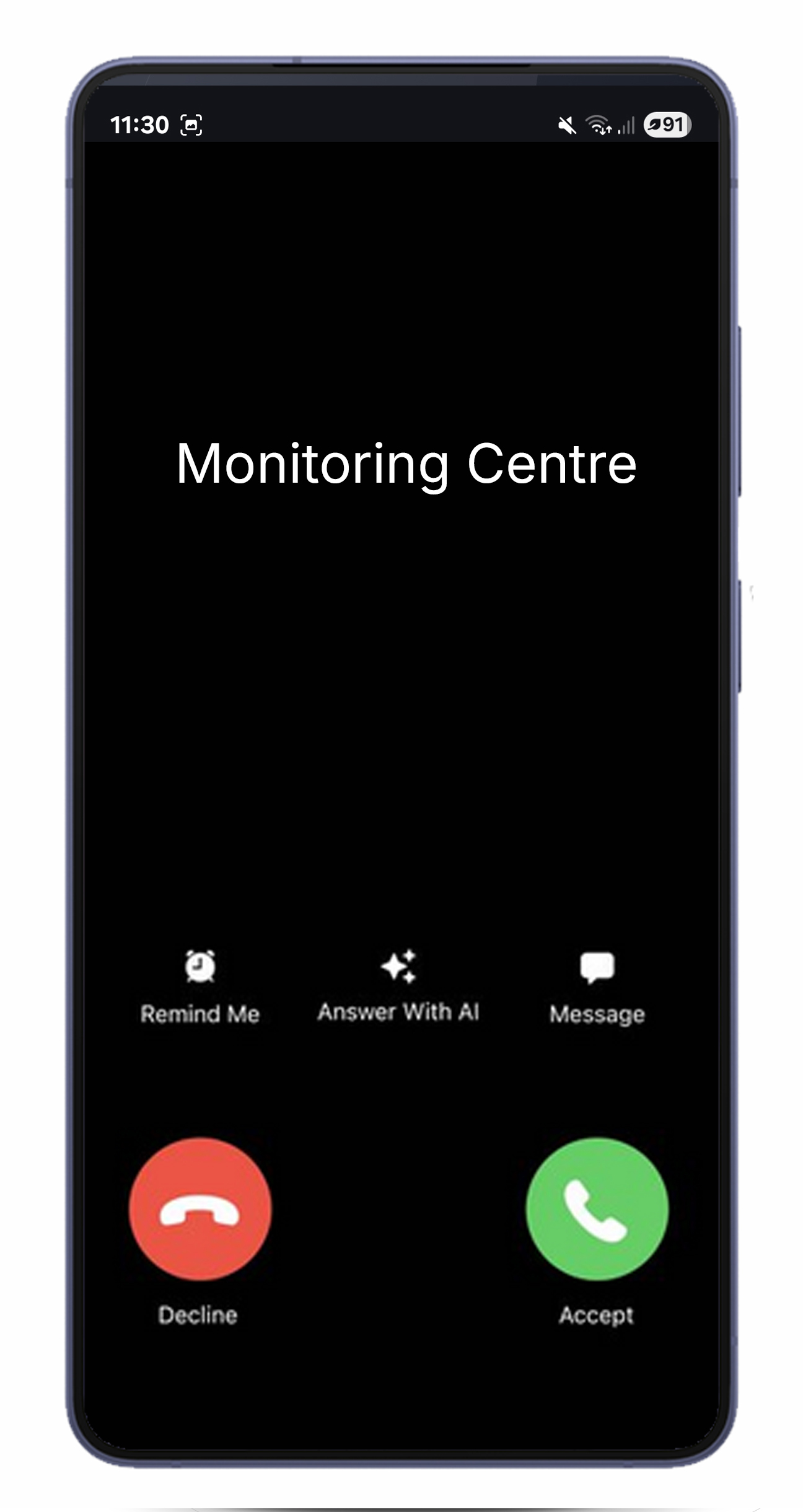
DAIOS reaches out to the contact on their preferred channel: AI Voice call, IVR, chatbot, SMS, or email. If a contact doesn't answer, DAIOS falls through to the next channel or contact automatically. Parallel engagement is supported for critical events.
Every engagement requires verification before alarm details are disclosed. Contacts must confirm a PIN or verification code. If a contact fails verification, DAIOS treats the attempt as unanswered and advances to the next option.

Resolution Captured
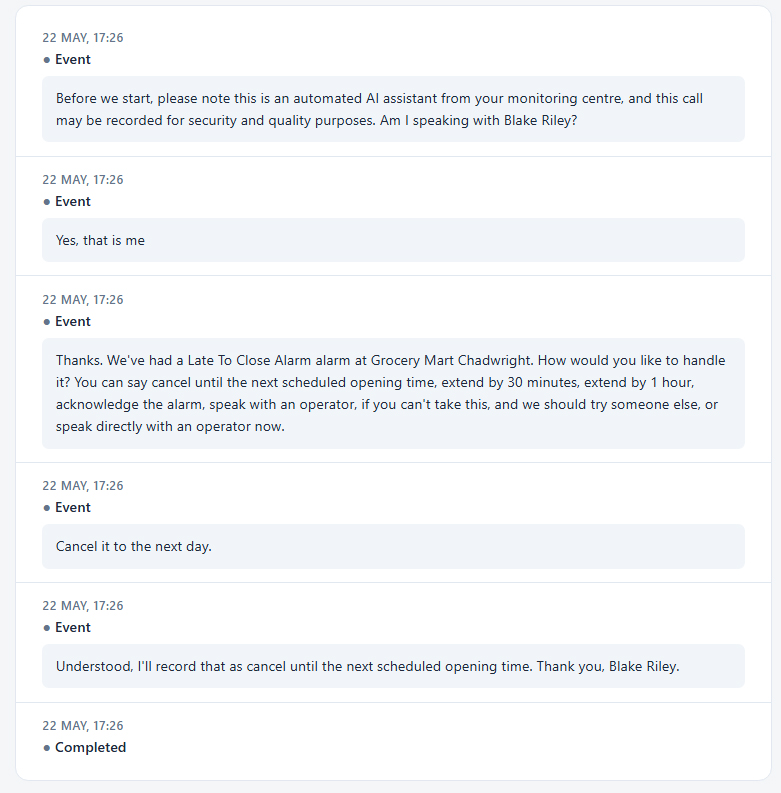
The contact responds through their Resolution Group, the set of options configured for that alarm type. They can acknowledge, confirm a false alarm, request a schedule change, or ask for an operator. DAIOS only accepts responses that map to a configured option; the AI politely refuses anything off-list and re-states the choices.
On AI Voice and IVR, if a contact asks to speak to an operator, DAIOS can bridge the live call directly to your configured callback number. Before being joined, the operator receives a private whisper with the contact name, number, and alarm type.
CMS Updated
DAIOS completes the activation and writes everything back to your CMS: response notes, engagement links, transcripts, and schedule changes. Your operators see the full timeline inside their existing tools without switching systems.
If a schedule change was authorised (LTC extension, OOH cancellation, early open), DAIOS applies it directly to the CMS schedule via API. If the change can't be applied, DAIOS escalates to an operator with a clear explanation, so the contact's request still gets actioned.